 ebbebb — A calm corner on the wrist
The Watch
A calm corner on the wrist
Ebb runs on a LilyGO T-Watch S3 Plus: touch screen, vibration motor, speaker, motion sensor, microphone (for loudness only), Wi-Fi and optional GPS.
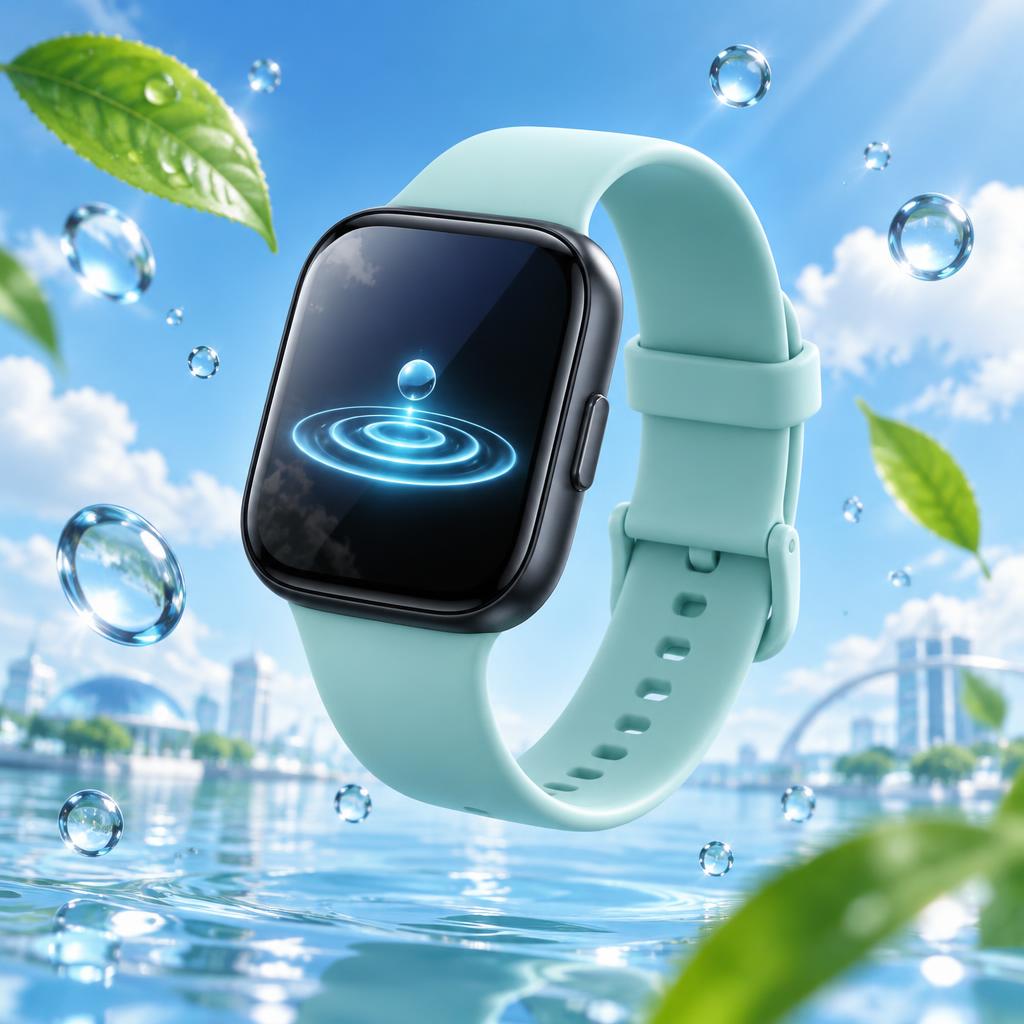
What the child sees
- A full-screen calm scene from real nature footage (ocean, rain, forest, space, gentle shapes, animals), a breathing circle that grows and shrinks, and a short calming message.
- Soft sounds (rain, ocean, soft piano, brown noise) and short phrases in a calm voice: a gentle AI voice, or a parent's own voice if they choose.
- A gentle vibration on each breath in.
- Afterwards, three big faces: "better", "same", "worse". The child taps how they feel.
Three ways calm mode starts
- The child taps "Start calm" on the watch.
- A teacher or parent taps "Start calm" in the Ebb app or on this website.
- On its own, when the watch senses agitation rising (only if a parent turned this on).
Response steps
Step 1
Rising →
Slow breathing buzz on the wrist.
Step 2
High →
Calm mode starts by itself.
Step 3
Still high after a minute of calm →
"Needs an adult" alert to linked adults.
The watch shows a QR code until a parent pairs it. Calm mode ends by itself after 3 minutes, or when an adult stops it.